'%3e%3cg%20filter='url(%23filter0_i_679_862)'%3e%3ccircle%20cx='47.3083'%20cy='88.4997'%20r='11.3083'%20fill='url(%23paint0_radial_679_862)'/%3e%3c/g%3e%3ccircle%20cx='50.0719'%20cy='91.9742'%20r='4.025'%20fill='%231B1B1B'/%3e%3cg%20style='mix-blend-mode:color-dodge'%3e%3ccircle%20cx='47.3893'%20cy='90.0612'%20r='1.91667'%20fill='%23D9D9D9'/%3e%3c/g%3e%3c/g%3e%3cg%20clip-path='url(%23clip1_679_862)'%3e%3cg%20filter='url(%23filter1_i_679_862)'%3e%3ccircle%20cx='81.6443'%20cy='88.4997'%20r='11.3083'%20fill='url(%23paint1_radial_679_862)'/%3e%3c/g%3e%3ccircle%20cx='84.4039'%20cy='91.9742'%20r='4.025'%20fill='%231B1B1B'/%3e%3cg%20style='mix-blend-mode:color-dodge'%3e%3ccircle%20cx='81.7214'%20cy='90.0612'%20r='1.91667'%20fill='%23D9D9D9'/%3e%3c/g%3e%3c/g%3e%3cdefs%3e%3cfilter%20id='filter0_i_679_862'%20x='36'%20y='75.1711'%20width='23.6273'%20height='24.6375'%20filterUnits='userSpaceOnUse'%20color-interpolation-filters='sRGB'%3e%3cfeFlood%20flood-opacity='0'%20result='BackgroundImageFix'/%3e%3cfeBlend%20mode='normal'%20in='SourceGraphic'%20in2='BackgroundImageFix'%20result='shape'/%3e%3cfeColorMatrix%20in='SourceAlpha'%20type='matrix'%20values='0%200%200%200%200%200%200%200%200%200%200%200%200%200%200%200%200%200%20127%200'%20result='hardAlpha'/%3e%3cfeOffset%20dx='1.01015'%20dy='-2.02031'/%3e%3cfeGaussianBlur%20stdDeviation='1.01015'/%3e%3cfeComposite%20in2='hardAlpha'%20operator='arithmetic'%20k2='-1'%20k3='1'/%3e%3cfeColorMatrix%20type='matrix'%20values='0%200%200%200%200%200%200%200%200%200%200%200%200%200%200%200%200%200%200.15%200'/%3e%3cfeBlend%20mode='normal'%20in2='shape'%20result='effect1_innerShadow_679_862'/%3e%3c/filter%3e%3cfilter%20id='filter1_i_679_862'%20x='70.3359'%20y='75.1711'%20width='23.6273'%20height='24.6375'%20filterUnits='userSpaceOnUse'%20color-interpolation-filters='sRGB'%3e%3cfeFlood%20flood-opacity='0'%20result='BackgroundImageFix'/%3e%3cfeBlend%20mode='normal'%20in='SourceGraphic'%20in2='BackgroundImageFix'%20result='shape'/%3e%3cfeColorMatrix%20in='SourceAlpha'%20type='matrix'%20values='0%200%200%200%200%200%200%200%200%200%200%200%200%200%200%200%200%200%20127%200'%20result='hardAlpha'/%3e%3cfeOffset%20dx='1.01015'%20dy='-2.02031'/%3e%3cfeGaussianBlur%20stdDeviation='1.01015'/%3e%3cfeComposite%20in2='hardAlpha'%20operator='arithmetic'%20k2='-1'%20k3='1'/%3e%3cfeColorMatrix%20type='matrix'%20values='0%200%200%200%200%200%200%200%200%200%200%200%200%200%200%200%200%200%200.15%200'/%3e%3cfeBlend%20mode='normal'%20in2='shape'%20result='effect1_innerShadow_679_862'/%3e%3c/filter%3e%3cradialGradient%20id='paint0_radial_679_862'%20cx='0'%20cy='0'%20r='1'%20gradientUnits='userSpaceOnUse'%20gradientTransform='translate(47.3083%2088.4997)%20rotate(29.2803)%20scale(11.9552)'%3e%3cstop%20offset='0.634615'%20stop-color='white'/%3e%3cstop%20offset='1'%20stop-color='%23A8FFEA'/%3e%3c/radialGradient%3e%3cradialGradient%20id='paint1_radial_679_862'%20cx='0'%20cy='0'%20r='1'%20gradientUnits='userSpaceOnUse'%20gradientTransform='translate(81.6443%2088.4997)%20rotate(29.2803)%20scale(11.9552)'%3e%3cstop%20offset='0.634615'%20stop-color='white'/%3e%3cstop%20offset='1'%20stop-color='%23A8FFEA'/%3e%3c/radialGradient%3e%3cclipPath%20id='clip0_679_862'%3e%3crect%20width='22.6167'%20height='22.6167'%20fill='white'%20transform='translate(36%2077.1914)'/%3e%3c/clipPath%3e%3cclipPath%20id='clip1_679_862'%3e%3crect%20width='22.6167'%20height='22.6167'%20fill='white'%20transform='translate(70.3359%2077.1914)'/%3e%3c/clipPath%3e%3c/defs%3e%3c/svg%3e)

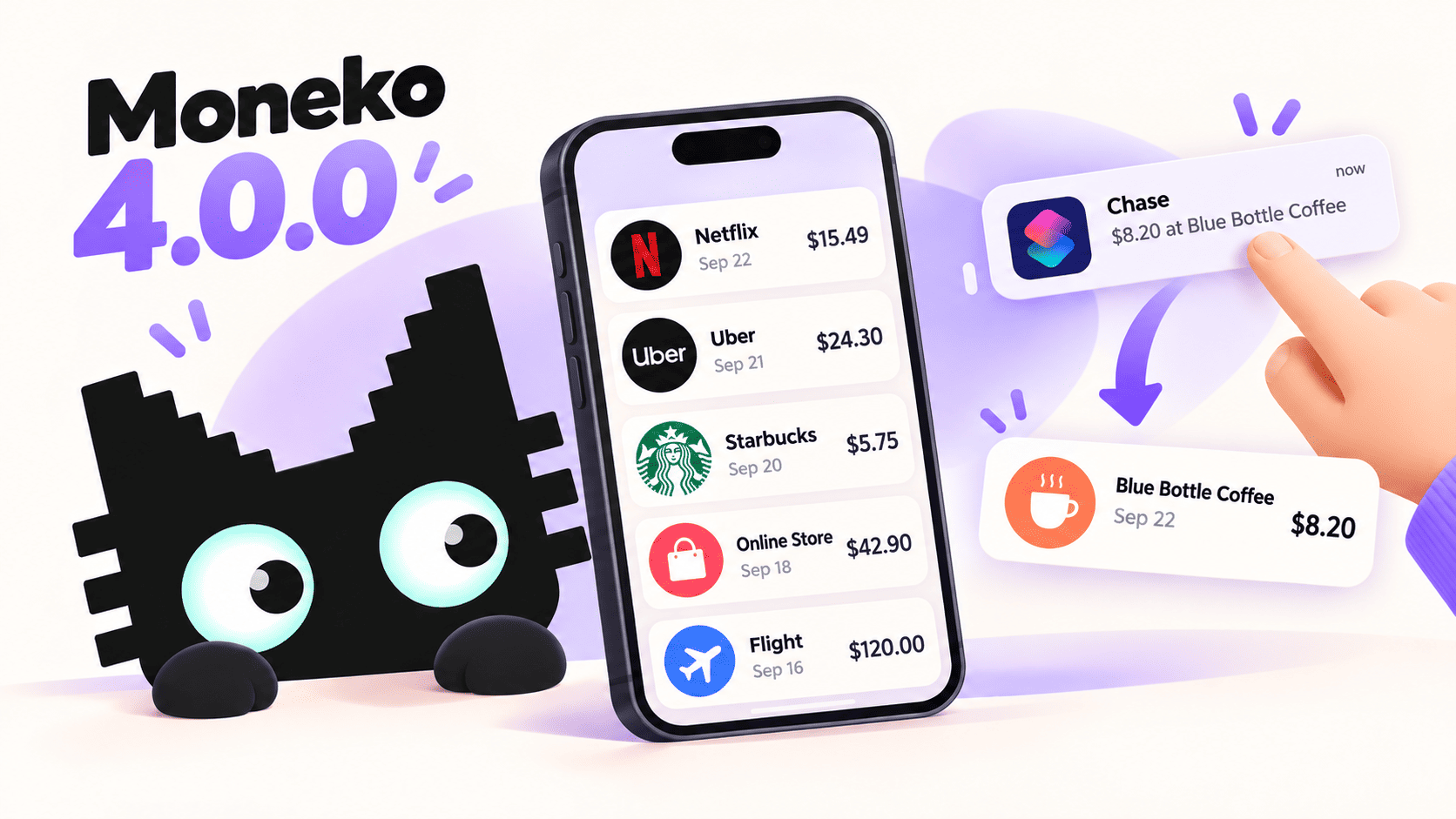
Moneko 4.0.0 is here. This update is about making everyday money tracking easier to follow and more comfortable to use: recognize transactions more quickly, capture spending from a supported iPhone notification shortcut, and make the app work better for more people and more routines.
Here is what changed, and what it means when you use Moneko.
Recognize transactions at a glance
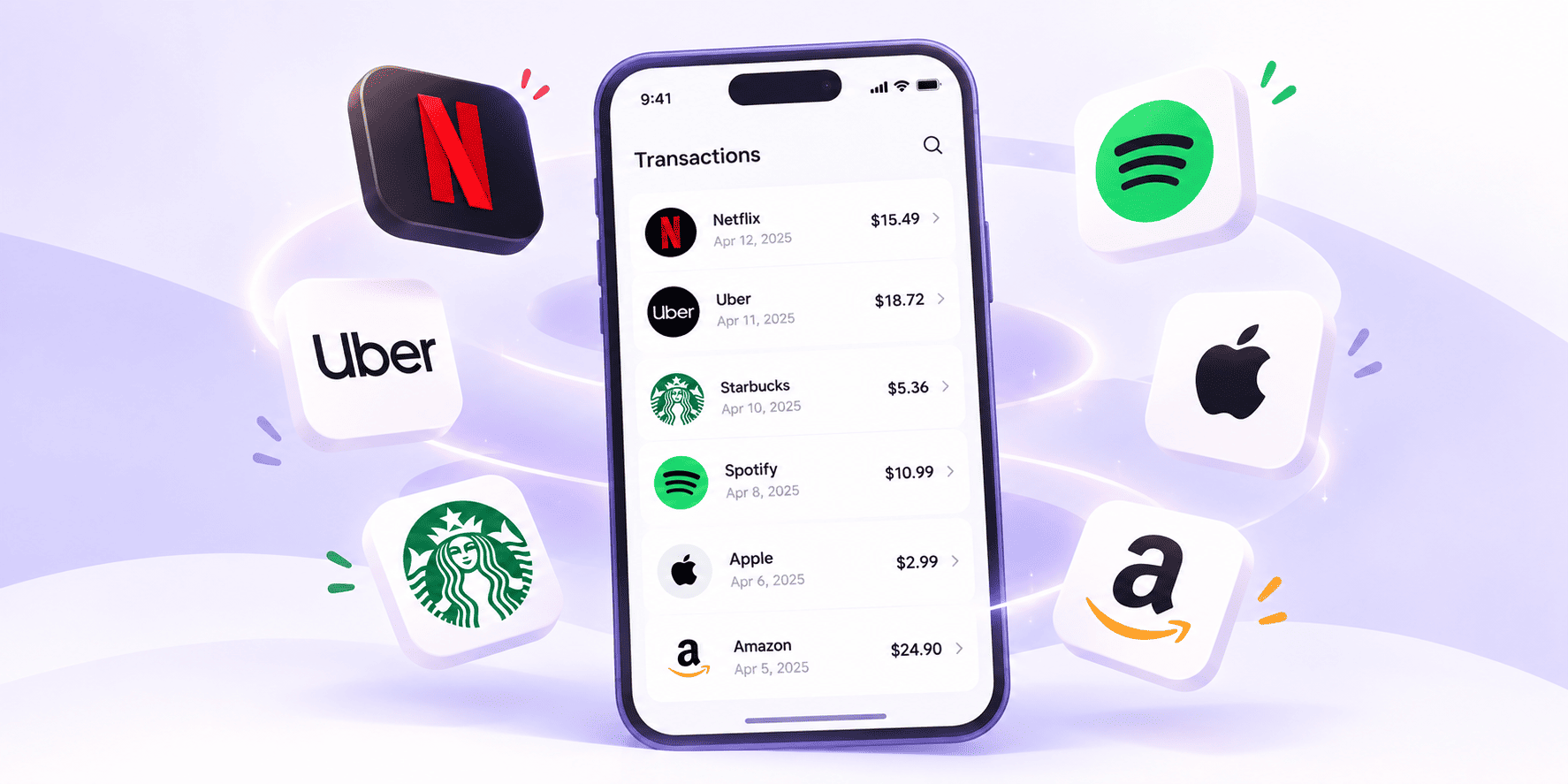
Moneko can now use AI to find a merchant logo for a transaction. When a logo is available, it gives you a quick visual cue in your spending history, so a list of purchases is easier to scan than a list of names and amounts alone.
The logo is there to help identify the merchant. Your transaction details and spending records remain the important information.
Capture a transaction from an iPhone notification
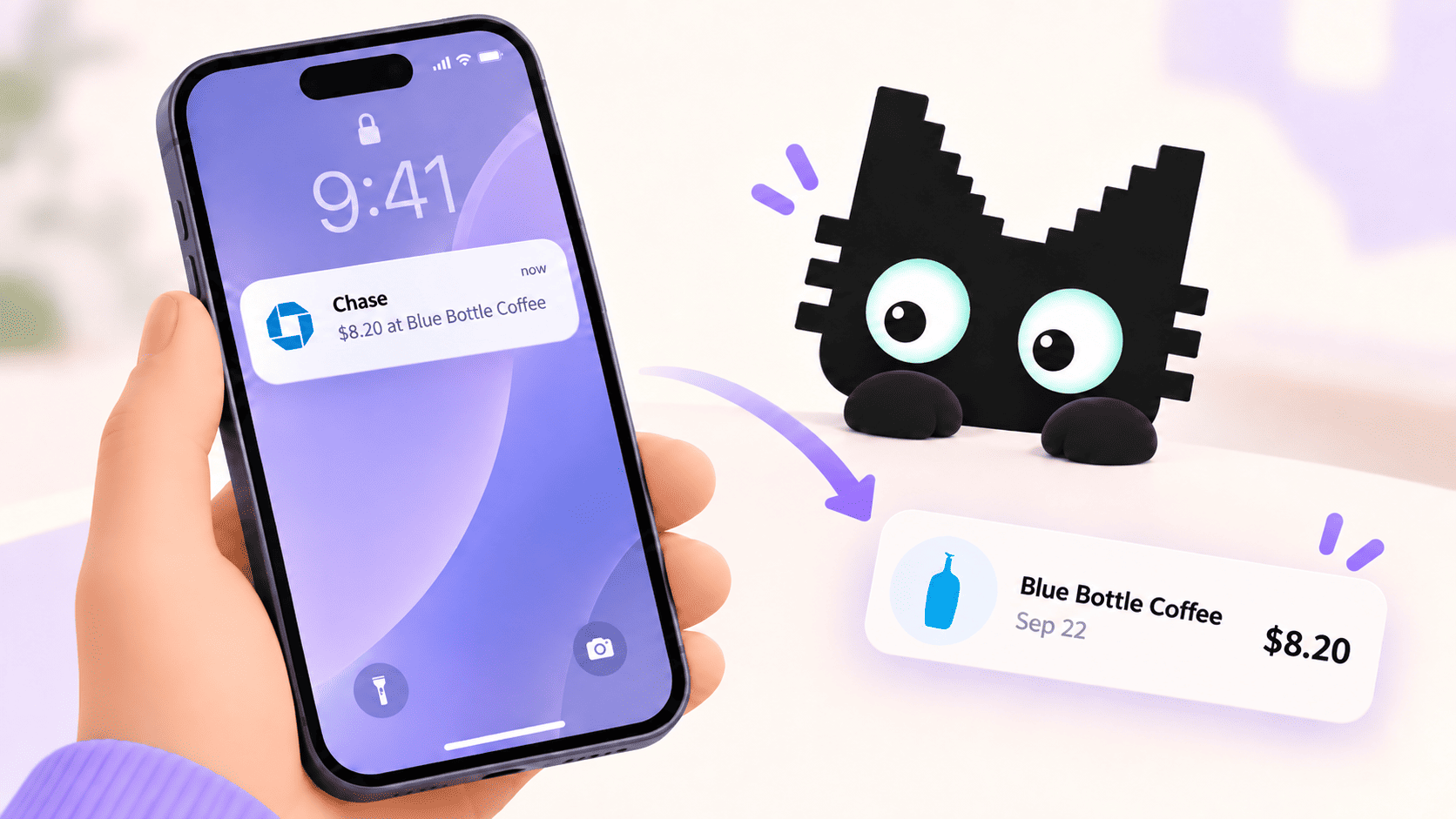
If you use an iPhone running iOS 27, you can set up a Shortcuts notification automation for apps you choose and add Moneko's Capture Transaction Notification action. Moneko checks the notification and saves a supported completed transaction, giving you a quicker route from a payment alert to your budget.
This is a user-configured automation; Moneko does not read every notification on your phone. Availability depends on iOS 27 or later, the selected apps, the notification content, and your Shortcuts setup.
Need a hand setting it up? Learn how to set it up.
Set recurring transactions to your schedule
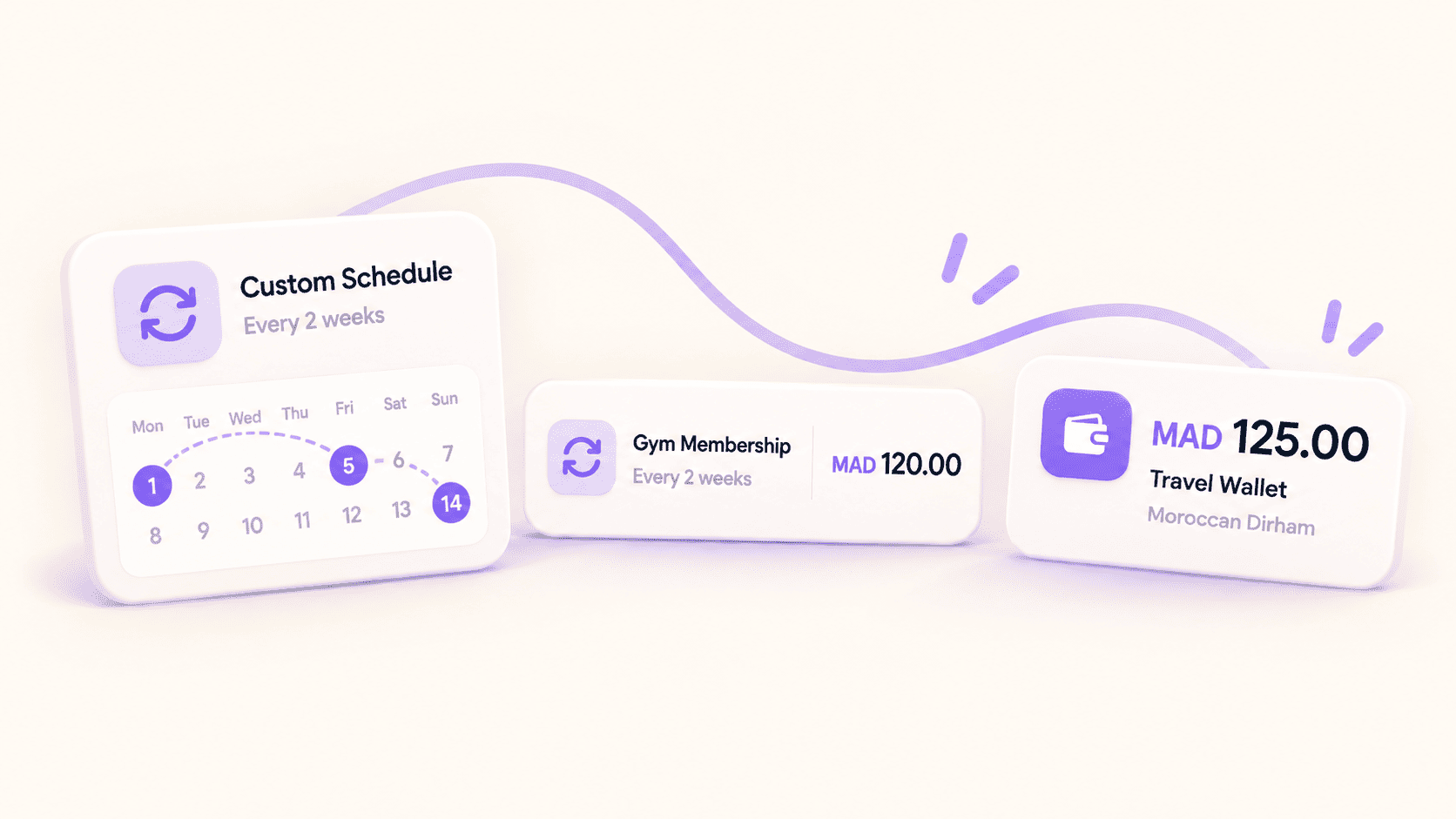
Recurring transactions now support custom frequencies. That helps when a payment repeats on a schedule that does not fit the usual weekly or monthly choices. Your recurring items can better reflect how and when you actually pay.
A little more room for different currencies
Moneko now supports Moroccan Dirham (MAD). We also improved currency recognition across imported transactions, budgets, wallets, and payment analysis, helping those amounts keep the currency they belong to.
More comfortable to use across the app
We refined screens across Moneko for a more consistent experience. On iOS 26 and later, the app also supports Apple's Liquid Glass design. And if you use larger text, we improved how content fits across dashboards, charts, transaction lists, wallets, pockets, recurring payments, household views, sign-in, and onboarding.
These changes are intended to make information easier to see and use without asking everyone to use the app in exactly the same way.
A steadier everyday experience
Alongside the visible updates, Moneko 4.0.0 includes bug fixes and general stability improvements. Not every improvement has a new button or screen, but they help the parts you already rely on feel more dependable.
What to try first
- Look through recent transactions and see how merchant logos help you scan the list.
- If you are on iOS 27, set up the notification shortcut when you want a quicker way to save a payment notification as a transaction.
- Review your recurring transactions if you have a schedule that needs a custom frequency.
- If you use MAD, choose it when recording or reviewing amounts in that currency.
Thanks for using Moneko and for helping us make everyday money tracking clearer and easier.
