

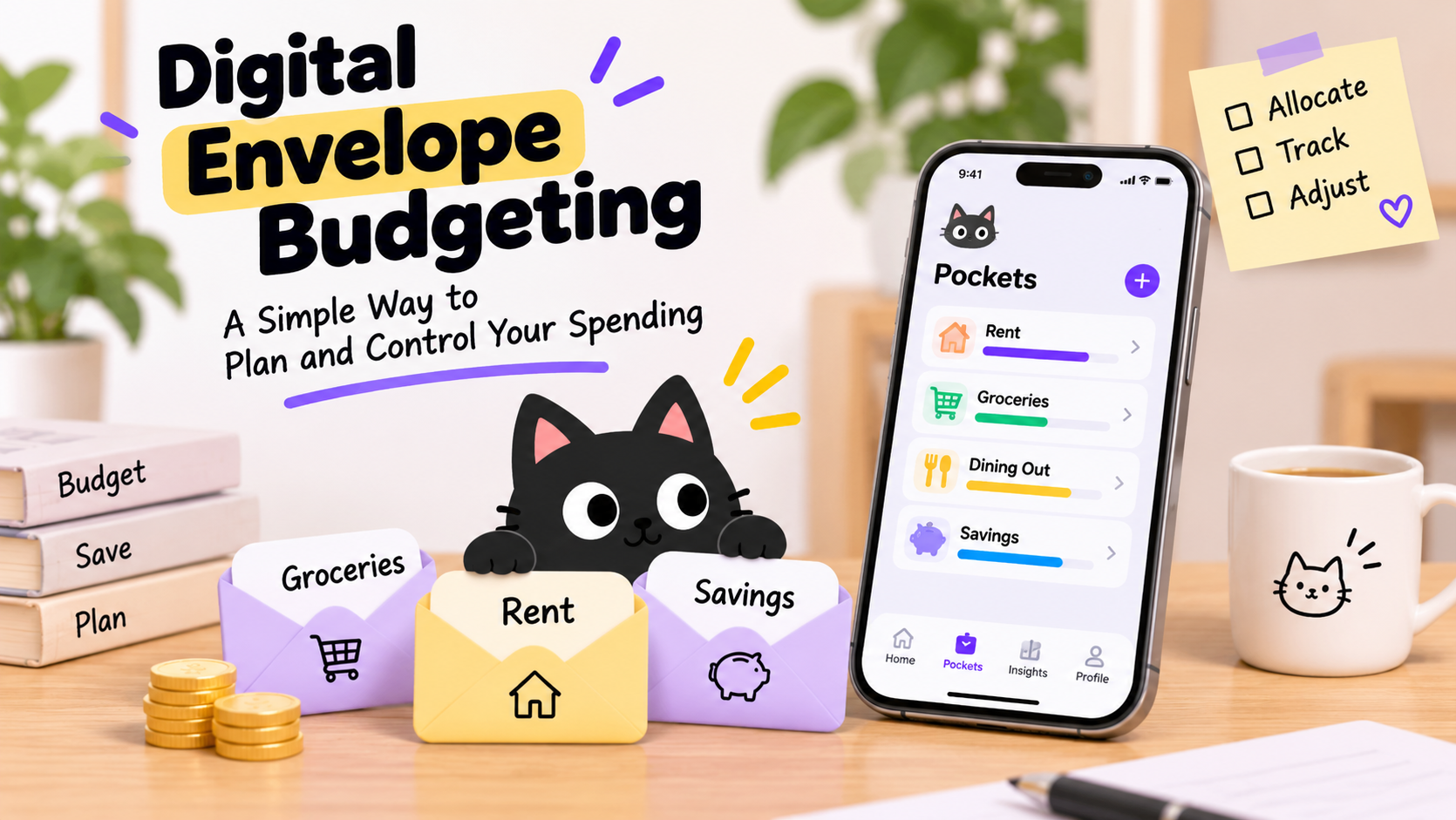
Ever checked your bank account, thought you had plenty of money left, and then remembered rent, groceries, and a few subscriptions were still due?
That's the problem digital envelope budgeting helps solve.
Instead of treating your entire bank balance as money available to spend, you divide it into virtual envelopes for different expenses. Each envelope has a purpose, whether that's paying bills, buying groceries, saving for a vacation, or building an emergency fund.
You can still use your debit card, credit card, or mobile wallet. The envelopes simply help you see how much money you've set aside and what's available for each category.
In this guide, you'll learn how digital envelope budgeting works, how to set up your first budget, and how to manage everyday spending without carrying cash.
What Is Digital Envelope Budgeting?
Digital envelope budgeting is a money management method that divides your available money into virtual spending categories before you spend it.
It's the modern version of the traditional cash envelope system.
With physical envelopes, you might put $500 in an envelope labeled "Groceries" and $200 in another labeled "Dining Out." When the money in an envelope runs out, you stop spending from that category or move money from somewhere else.
Digital envelope budgeting follows the same principle, but instead of carrying physical cash, you track your allocations through an app or spreadsheet.
For example, you might create digital envelopes for:
- Rent and utilities
- Groceries and household supplies
- Transportation
- Dining out and entertainment
- Emergency savings
- Vacations and future purchases
Each envelope represents money reserved for a specific purpose.
Importantly, a digital envelope isn't necessarily a separate bank account. Most budgeting apps use virtual categories to organize money held in your existing accounts.
Your bank balance tells you how much money you have. Your envelopes tell you how much of that money is available for different needs.
Is Digital Envelope Budgeting the Same as Zero-Based Budgeting?
The two methods are closely related, but they're not exactly the same.
Zero-based budgeting means assigning every available dollar to a purpose until nothing remains unallocated.
Envelope budgeting is a way to organize those assignments into spending categories.
You can combine both methods by distributing all your available money across digital envelopes.
If you want to explore different apps that support this approach, read our guide to zero-based budgeting apps.
How Does Digital Envelope Budgeting Work? A $4,500 Example
Imagine your monthly take-home income is $4,500.
Instead of spending throughout the month and hoping there's money left for savings, you decide how to divide that income in advance.
Here's a simple digital envelope budget:
| Digital Envelope | Monthly Allocation |
|---|---|
| Rent | $1,600 |
| Groceries | $500 |
| Utilities | $250 |
| Transportation | $250 |
| Dining Out | $300 |
| Subscriptions | $100 |
| Emergency Savings | $500 |
| Vacation Fund | $300 |
| Debt Payments | $400 |
| Personal Spending | $300 |
| Total Assigned | $4,500 |
| Money Left to Assign | $0 |
You've now given every dollar a job.
But that doesn't mean you've spent $4,500.
The money assigned to savings, future bills, and everyday spending is still available for those purposes.
Budgeted vs. Spent vs. Remaining
These three numbers are essential to understanding digital envelope budgeting.
Suppose your Groceries envelope starts with $500.
| Amount | |
|---|---|
| Budgeted | $500 |
| Spent | $180 |
| Remaining | $320 |
You've planned to spend up to $500, but you've only used $180.
That leaves $320 available for groceries.
Now imagine your checking account shows $2,000.
That doesn't necessarily mean you have $2,000 available for shopping. Some of that money may already be reserved for rent, utilities, or other upcoming bills.
Digital envelopes help you distinguish between money you have and money you can comfortably spend.
How to Set Up Your Digital Envelope Budget in 5 Steps
You don't need complicated financial software or dozens of categories to get started.
Follow these five steps to build a practical system.
Step 1: Calculate Your Available Money
Start with the money you can actually allocate.
For someone with a regular paycheck, this might mean calculating monthly take-home income after taxes and payroll deductions.
If your income varies, you can budget money as it arrives rather than relying on payments you haven't received.
For example, if you're paid twice a month, you might fund your most urgent bills with your first paycheck and allocate your second paycheck toward other expenses and savings.
Be careful not to count the same money twice. If you're budgeting an existing account balance, distinguish it from new income you receive later.
Step 2: Create Your Essential Envelopes
Start with expenses that are difficult to avoid.
These might include housing, utilities, groceries, transportation, insurance, and minimum debt payments.
You don't need a separate envelope for every purchase.
For example, you might initially combine electricity, water, and internet into one "Utilities" envelope.
You can always create more detailed categories later.
A simple budget that you maintain consistently is better than a complicated system you abandon after two weeks.
Step 3: Add Flexible Spending and Savings Envelopes
Next, create categories for expenses that vary from month to month.
Common examples include dining out, shopping, entertainment, hobbies, and personal spending.
Then add envelopes for future expenses.
These are often called sinking funds.
A sinking fund helps you prepare for an expense that doesn't happen every month but is reasonably predictable.
For example, if you expect to spend $600 on holiday gifts, you could set aside $50 per month for 12 months.
When the holidays arrive, you've already planned for that expense.
Step 4: Allocate Your Money
Now assign available money to your envelopes.
Start with essential bills and upcoming obligations, then fund flexible spending and savings goals.
If you're using zero-based budgeting, continue until your unassigned amount reaches zero.
Remember that assigning money to savings doesn't mean spending it.
If you don't have enough money to fund every envelope, prioritize essentials and adjust your plan to reflect what's affordable.
You can also fund envelopes gradually as new income arrives.
Step 5: Track Spending and Review Your Budget
Once your envelopes are funded, record purchases against the appropriate categories.
For example, spending $65 on groceries reduces your grocery envelope's remaining balance by $65.
Some apps support manual entry, bank synchronization, receipt scanning, or AI-assisted transaction recording.
Choose a tracking method that fits your habits.
Try reviewing your envelopes once a week. Check upcoming bills, identify overspending, and adjust allocations when necessary.
Your budget should adapt to real life, not require every month to go perfectly.
Cash Envelopes vs. Digital Envelopes vs. Spreadsheets
All three methods can help you organize spending, but they offer different experiences.
| Feature | Cash Envelopes | Spreadsheets | Digital Envelope Apps |
|---|---|---|---|
| Payment methods | Primarily cash | Cash and cards | Cash and cards |
| Expense tracking | Physical counting | Manual entry or imports | Manual or assisted tracking |
| Budget adjustments | Move physical cash | Edit spreadsheet values | Adjust digital categories |
| Shared budgeting | Physical coordination | Shared files | App-dependent sharing |
| Spending history | Receipts or notes | Custom records | Transaction history |
| Best for | Cash spending habits | Customization | Everyday convenience |
Cash envelopes provide a physical spending limit, but they're less convenient for online purchases.
Spreadsheets offer flexibility and control, although you may need to update them manually.
Digital envelope apps combine category-based planning with electronic transaction tracking.
However, not every app offers the same features. Bank synchronization, rollover, shared budgets, and credit card handling vary by provider.
Choose the method you're most likely to maintain.
Can You Use Digital Envelope Budgeting with Credit Cards?
Yes. You can use digital envelope budgeting while paying with credit cards.
The important part is recording purchases against the correct envelope and keeping enough money available to pay your statement.
Imagine your Groceries envelope contains $500.
You spend $120 at the supermarket using your credit card.
Your grocery envelope now has $380 remaining, even though the payment hasn't left your checking account.
You still owe the credit card company $120.
Some budgeting apps help reserve money for credit card payments automatically. Others require you to manage that amount yourself.
Avoid Counting the Same Expense Twice
One common mistake is recording a credit card purchase as an expense and then counting the payment of that same purchase as another expense.
For example:
- You buy $120 of groceries using your credit card.
- You record $120 against your Groceries envelope.
- You later pay $120 toward your credit card balance.
The grocery purchase is the expense. Paying the credit card is generally a transfer or settlement of the amount you already owe.
If you're paying down older credit card debt, however, those additional repayments should have their own budget allocation.
Digital envelopes can help you plan for credit card spending, but they don't prevent interest charges automatically. Paying your statement according to your card's terms remains important.
What Happens When You Overspend an Envelope?
Overspending doesn't mean your entire budget has failed.
It means your original plan needs adjusting.
Suppose you've allocated $300 to Dining Out but spend $340.
Your dining envelope is now $40 over budget.
You could move $40 from another flexible category, such as entertainment or shopping, if that money isn't needed for something more important.
After the adjustment, your budget reflects what actually happened.
The key is to avoid repeatedly covering discretionary overspending with money reserved for essential bills.
Should You Stop Spending When an Envelope Is Empty?
Ideally, an empty envelope is a signal to review your spending before making another purchase.
For optional expenses, you might decide to wait until the next budget period.
For essentials, you may need to move money from another category or revise your priorities.
The envelope system is a planning tool, not a rule that should prevent you from meeting necessary living expenses.
How Does Envelope Rollover Work?
One useful feature of digital envelope budgeting is the ability to carry unused money into a future budget period.
This is called budget rollover.
Imagine you allocate $400 to Transportation but spend only $320.
You have $80 remaining.
If your budgeting system supports rollover, that $80 can remain available in your transportation category next month.
Depending on how the app handles allocations, adding another $400 could give you $480 available.
Rollover is particularly useful for expenses that vary throughout the year.
For example, you might set aside money every month for car repairs, holiday gifts, insurance payments, or travel.
Instead of starting from zero each month, your envelope gradually builds a balance.
Rollover vs. Reset
Not every category needs to work the same way.
You might prefer to carry unused savings and sinking-fund money forward while reviewing discretionary spending categories each month.
For example, if you have $100 left in Dining Out, you could keep it there or deliberately reassign it to savings.
Both approaches can work.
The important part is knowing what happens to unused allocations when a new budget period begins.
Also remember that rollover represents money you've already allocated. It isn't new income.
How to Try Digital Envelope Budgeting with Moneko
If you like the envelope method but find manual expense tracking time-consuming, Moneko offers a way to combine digital budgeting with AI-assisted expense recording.
Organize Spending with Pockets
Moneko uses Pockets to organize budgets for categories such as groceries, transportation, dining out, and savings goals.
You can track how much you've budgeted, how much you've spent, and what's remaining.
Pockets also support carrying unused budget amounts forward, making them useful for ongoing spending categories and longer-term goals.
Record Expenses with AI
Instead of entering every transaction field manually, you can record expenses through natural-language chat, voice input, or receipt photos.
For example, you might type:
"Spent $24 on groceries today."
Moneko helps turn that information into a transaction, reducing the effort of daily tracking.
You can review the details to make sure the amount and category are correct.
Manage Shared Spending
For couples, roommates, or families, Moneko's Shared Spaces help organize joint expenses separately from personal finances.
You can use a shared space for household spending while maintaining your own personal budget.
This can make it easier to understand shared costs without combining every transaction into one budget.
Start Small
You don't need to build an elaborate budget immediately.
Start with a few Pockets for your essential bills, everyday expenses, and savings goals.
As you become more comfortable, adjust your categories to match your spending habits.
Moneko offers a free plan, so you can explore its budgeting features before deciding whether to upgrade.
Want to try digital envelope budgeting?
Explore Moneko and start organizing your money with Pockets, AI expense tracking, and shared budgets.
Common Digital Envelope Budgeting Mistakes
Even a simple budgeting method takes practice.
Here are a few mistakes worth avoiding.
Creating too many envelopes: Start with broad categories and add detail only when it helps you make better decisions.
Forgetting annual expenses: Plan ahead for insurance, holidays, maintenance, and other irregular bills using sinking funds.
Confusing budget balances with bank balances: Money assigned to an envelope may still be in your checking account, but it's already reserved for a purpose.
Ignoring overspending: Adjust your allocations when necessary instead of letting negative category balances accumulate.
Treating transfers as spending: Moving money between your own accounts shouldn't automatically create a new expense.
Frequently Asked Questions
Is digital envelope budgeting free?
You can use digital envelope budgeting for free with a spreadsheet or a budgeting app that offers a free plan. Moneko, Goodbudget, and EveryDollar offer free options, although available features and limitations vary.
Do I need separate bank accounts for every envelope?
No. Most digital envelope systems organize money into virtual categories within an app or spreadsheet. You can keep money in existing bank accounts while tracking how much is reserved for different expenses.
Can I use digital envelopes with irregular income?
Yes. If your income changes from month to month, you can fund envelopes as money arrives. Prioritize essential bills and upcoming expenses before allocating money to discretionary categories.
Can couples share digital envelopes?
Yes, depending on the app. Shared budgeting features can help couples organize rent, groceries, utilities, and other joint expenses. Moneko's Shared Spaces support managing shared finances separately from personal budgets.
What happens to unused envelope money at the end of the month?
It depends on your budgeting method and app settings. You can carry unused money forward, keep it assigned to a sinking fund, or reallocate it toward another goal. Make sure you understand how your app handles rollover and monthly resets.
Is digital envelope budgeting better than traditional budgeting?
Neither method is automatically better. Digital envelopes can make spending limits more visible and help you plan before making purchases. Traditional tracking or spreadsheets may work just as well if they fit your habits. The best system is one you can maintain consistently.
Final Thoughts: Make Your Money Easier to Manage
Digital envelope budgeting doesn't require you to give up credit cards, carry cash, or track every penny in a complicated spreadsheet.
It simply gives your money a clearer purpose.
By dividing available funds into categories for bills, everyday spending, savings, and future expenses, you can make more informed decisions about what you can afford.
Start with a few essential envelopes, track your purchases, and adjust your budget as your circumstances change.
Whether you use a spreadsheet, a traditional envelope app, or an AI-assisted tool like Moneko, the goal is the same: understand where your money is going before it's gone.
Give your money a purpose, one envelope at a time.
