

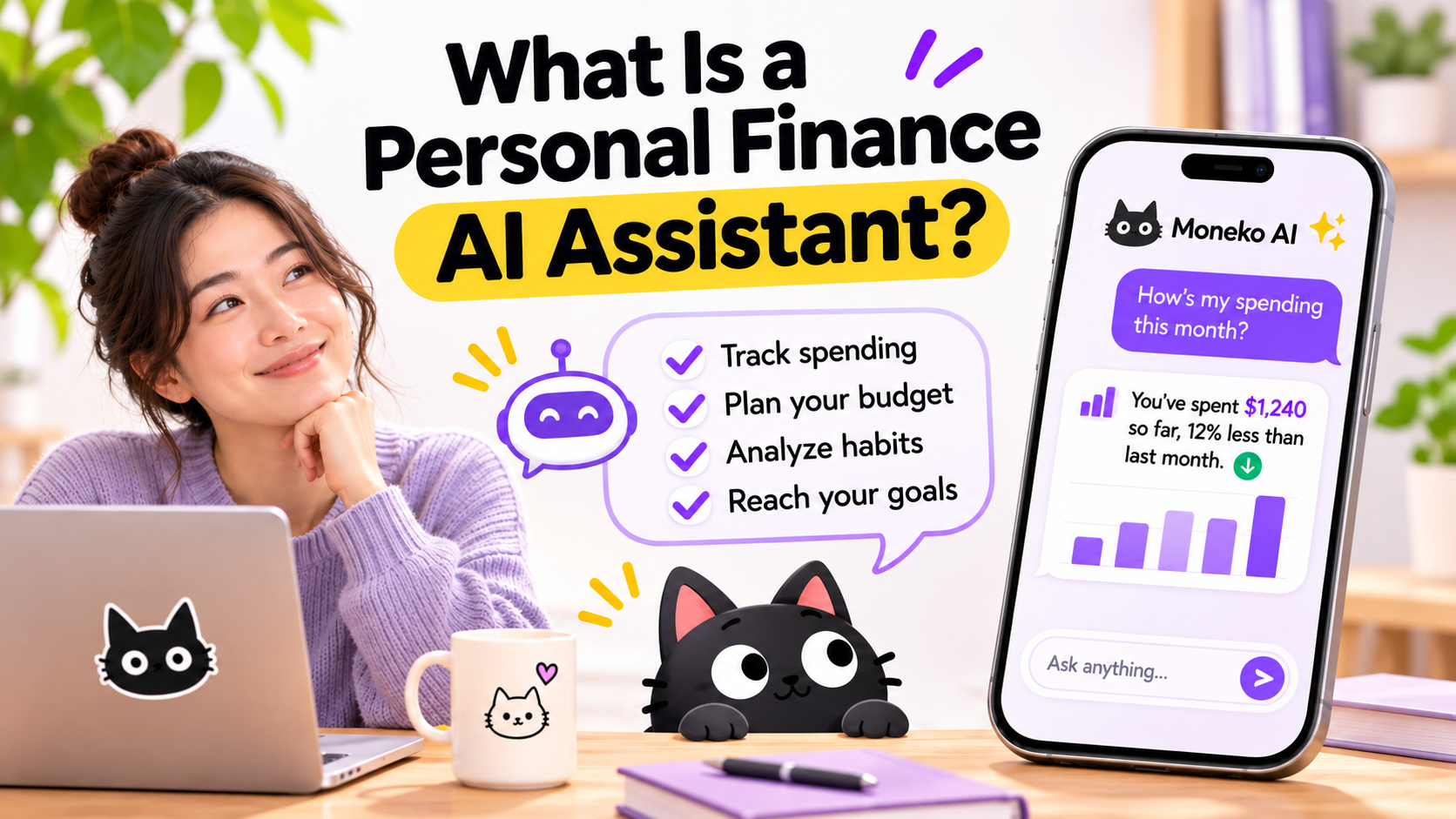
A personal finance AI assistant is a digital tool that uses artificial intelligence to help with money-related tasks, such as recording expenses, organizing budget information, or answering questions about data you provide. What it can do depends on the product: a general chatbot may only analyze information you enter, while a budgeting app may work with the transactions and budgets you track inside it.
These tools can make routine money management easier, but their answers can be incomplete or wrong. They should support your review of financial records, not replace it or provide a guarantee about what you can afford.
What can a personal finance AI assistant help with?
Depending on the app, an AI assistant may help you:
- Record expenses: Some tools accept text, voice, or receipt images and extract transaction details for you to review.
- Organize spending: A budgeting app may suggest categories or show how recorded expenses compare with your budget.
- Summarize financial information: A general chatbot can explain concepts or analyze numbers and documents you provide.
- Explore a scenario: Some finance apps can help you think through how a planned purchase might affect a budget, based on the data available to them.
Features vary. Don’t assume an assistant can connect to a bank, monitor accounts, detect subscriptions, or update a budget automatically. Check the product’s current documentation and review any transaction it records.
How does it differ from a general chatbot?
A general chatbot responds to the information in your prompt or uploaded files. It may help explain a financial term, compare two figures, or walk through a calculation. Unless you provide relevant data, it does not automatically know your transactions or budget.
A finance app may include AI features that work with information you have recorded in that app. Some apps also offer account connections, but availability and data access depend on the provider and supported institutions. Read the app’s documentation and privacy policy before connecting accounts or sharing sensitive information.
| Tool type | Typical use | What to check |
|---|---|---|
| General chatbot | Explanations, calculations, or analysis of information you provide | Whether your data may be stored or used to improve the service |
| Budgeting app with AI features | Expense capture or explanations based on records in the app | Supported inputs, account connections, review and correction options |
| Spreadsheet or manual tracker | Custom budgets and hands-on record keeping | How you’ll enter, reconcile, and protect the data |
This is a general guide, not a ranking. Capabilities and data practices differ by product and can change.
What AI assistants can’t reliably do
An AI response is not automatically accurate just because it sounds confident. A tool may miss context, misunderstand a transaction, rely on incomplete records, or present an estimate as if it were certain.
Before acting on an answer:
- Check the underlying transaction or document.
- Confirm the date range, accounts, currency, and categories involved.
- Recalculate important totals when needed.
- Treat future projections as estimates, not promises.
- Ask a qualified professional for advice about complex tax, legal, investment, or retirement decisions.
AI tools can help explain financial concepts and organize information. They are not a substitute for your judgment or personalized professional advice.
What do surveys say about using AI for financial information?
A 2024 Financial Health Pulse survey found that 3% of U.S. households reported using general chatbots and 3% reported using automated investing or robo-advisor apps for personal-finance information in the previous 12 months. These figures describe reported use of specific types of tools in that survey; they do not measure use of every finance app with AI features. Financial Health Network
A separate 2026 Gallup survey, reported by the Associated Press, found that about one in five U.S. adults who had sought financial advice in the previous year had turned to AI. The finding applies to that group of advice-seekers, not to all Americans. Associated Press
How to evaluate a finance AI tool’s privacy
There is no single privacy or security guarantee that applies to all AI finance tools. Before sharing information or connecting an account, look for clear answers to these questions:
- What information does the service collect?
- How is information used, stored, and retained?
- Is information shared with service providers or AI vendors?
- Can you delete your information or disconnect an account?
- If the app connects to a financial institution, what permissions does that connection provide?
- What security protections does the provider document?
Avoid entering bank passwords, card security codes, or other sensitive information into a chatbot prompt. Don’t rely on general claims such as “fully secure” or “private” without checking what the provider’s current policy actually says.
A verified example: Moneko
Moneko describes itself as a budgeting app with zero-based budgeting using Pockets, rollover budgets, shared budgeting, multiple currencies, and AI expense capture through chat, voice, and receipt photos. Its help guide says users can review a saved AI-captured entry and correct or delete it. Check Moneko’s current product information for feature availability and details. Moneko expense tracker · Moneko AI assistant guidance
Moneko also describes its AI assistant as a tool for understanding tracked money and exploring planning questions. Its scenario-planning feature is identified as beta, and its guidance says AI answers are not guaranteed. Moneko scenario planning guide
Frequently asked questions
Is a personal finance AI assistant the same as a financial advisor?
No. An AI assistant can help organize information or explain a calculation, but it is not a substitute for personalized advice from a qualified professional.
Can I use a general chatbot to make a budget?
You can ask a chatbot to help structure a budget or work through calculations using information you provide. Check its arithmetic and assumptions, and avoid sharing sensitive personal or account details.
Can AI track my expenses automatically?
Some finance apps offer AI-supported expense capture or account connections. The available inputs and degree of automation vary by app. Review captured transactions and confirm how any account connection works before relying on it.
Are AI-generated financial projections accurate?
Treat them as estimates. A projection can depend on incomplete records, assumptions, or changing circumstances. Check the inputs and avoid treating an AI response as a guarantee.
What should I check before connecting a bank account?
Review the app’s current privacy policy and account-connection details. Check which information is accessed, why it is used, how to disconnect the connection, and whether supported institutions and permissions meet your needs.
The takeaway
A personal finance AI assistant can help with tasks such as recording expenses, organizing budget data, or explaining information you provide. Its usefulness depends on the specific tool and the quality of its data. Review important records and answers, check the provider’s privacy information, and use professional guidance for decisions that need personalized advice.
This article is for informational purposes only. It is not financial, investment, tax, or legal advice.
