

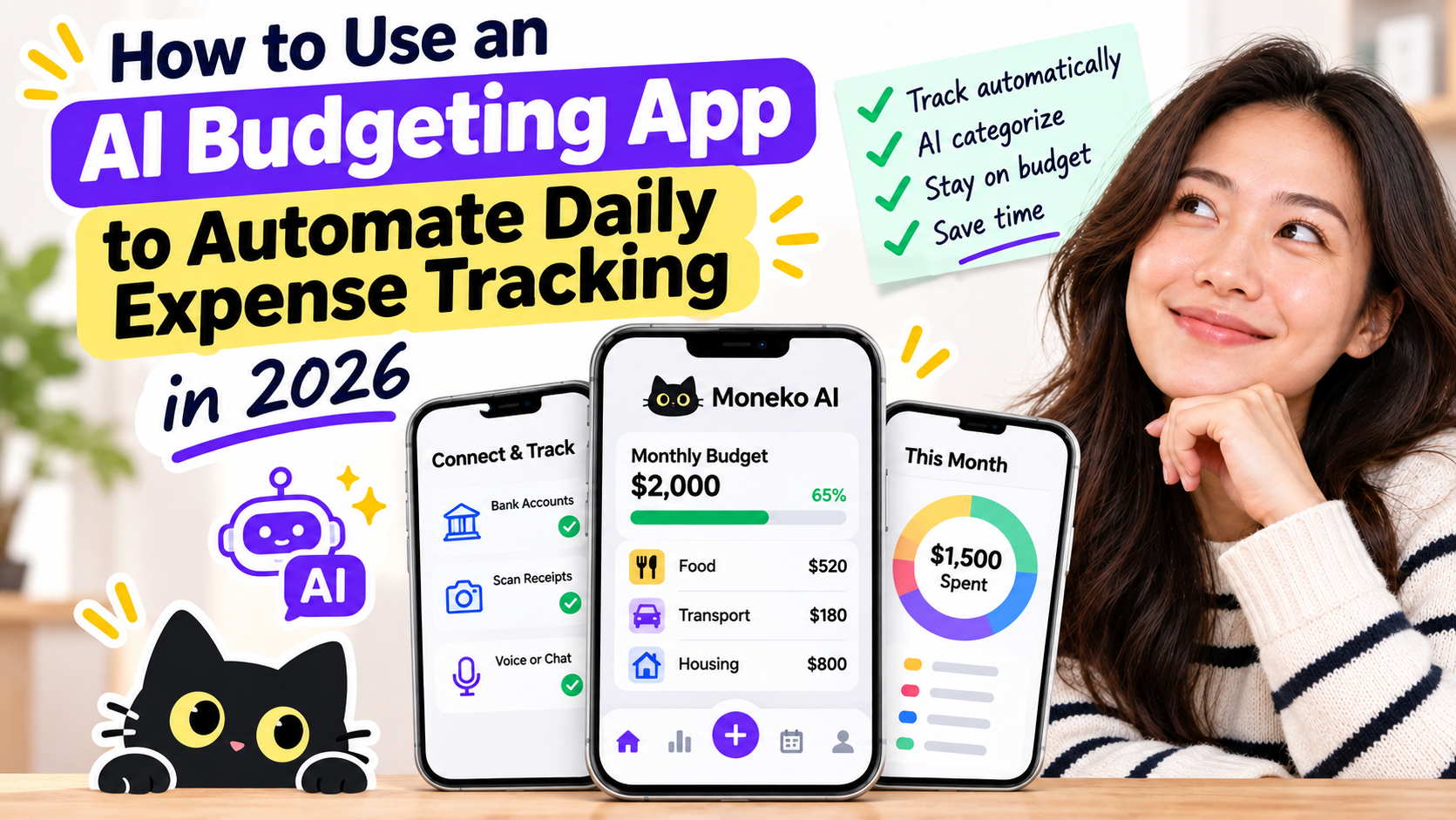
An AI budgeting app uses artificial intelligence to help organize spending information, record expenses, or answer questions about budget data. Depending on the app, you might enter a transaction as a short message, upload a receipt, connect a supported financial account, or review suggestions about how a purchase fits your budget.
The term “AI budgeting app” covers different tools and features. Some apps use automation to sort transactions into categories; others let you ask questions about information you have recorded. Neither means every expense will be recognized correctly or that an app can reliably predict what you can afford. Review important entries and check the product’s current feature and privacy information before relying on it.
What features might an AI budgeting app include?
Features vary by product. Common examples include:
- Expense capture: Enter a purchase with text, voice, or a receipt image. Some apps use AI to extract details for you to review.
- Transaction categorization: An app may suggest a budget category for a transaction. The suggestion can be wrong, especially when a merchant sells different kinds of products.
- Budget summaries: Some tools summarize recorded expenses or compare spending with category limits.
- Natural-language questions: An app may let you ask about information in its records, such as spending in a selected category or period.
- Account connections: Some budgeting apps connect to supported financial institutions. The available accounts, data, and update timing depend on the app and institution.
- Shared budgets: Certain apps support a budget or expense records shared with another person.
These capabilities aren’t standard across all apps. “AI-powered” on a product page does not tell you which tasks are automated, what data the app can access, or how much you need to review.
How does AI expense tracking work?
AI-supported expense tracking usually has two steps: collecting information and turning it into a transaction record.
For example, you might enter “Coffee 5.50” or upload a receipt. Depending on the tool, the app may identify details such as the amount, date, or merchant and suggest a category. You can then check the entry and correct any mistakes.
A transaction can still be incomplete or misread. A receipt might be unclear; a merchant description might not identify what you bought; or an expense might belong in a different category than the app suggests. Check the saved entry, particularly when you split a purchase, use cash, or need a record for reimbursement or taxes.
| Tracking method | Useful for | What to keep in mind |
|---|---|---|
| Text entry | A quick purchase when you know the amount | Check the category and details |
| Voice entry | Recording an expense when typing is inconvenient | Confirm what the app transcribed |
| Receipt image | Keeping a receipt with a transaction | Review extracted amounts and items |
| Account connection | Seeing transactions from supported institutions | Check which accounts and data are included |
What does “automated budgeting” actually mean?
Automation can refer to different things. An app may import transactions, suggest categories, show progress against a budget, or help you review spending. It does not necessarily mean that the app creates a complete budget, moves money between accounts, or makes decisions for you.
Before choosing a tool, look for a clear explanation of:
- Which information is imported or entered.
- Which tasks the app performs automatically.
- Which suggestions you need to approve or correct.
- Whether you can edit or delete an entry.
- How to review spending against your budget.
A simple hypothetical example: suppose you set aside $300 for groceries this month and record $185 in purchases. Your remaining amount is $115, before accounting for any missing or incorrectly categorized transactions. An app can help display those records, but the result is only as complete as the data it has.
AI budgeting apps and budgeting methods
An app’s AI features and its budgeting method are separate choices. You can use automation with different ways of planning your money.
Zero-based budgeting
With zero-based budgeting, you assign your expected income to planned uses—such as bills, groceries, savings, and debt payments—until no income is left unassigned. The name describes the plan, not a requirement to spend every dollar. Money assigned to savings or future expenses still has a purpose.
Envelope budgeting
Envelope budgeting divides planned spending into categories, sometimes called envelopes or pockets. If you set aside $400 for groceries, that amount is your grocery budget for the period. A digital envelope app may show how recorded spending changes the amount remaining in that category.
The methods aren’t interchangeable in every detail, and neither is right for everyone. Consider whether you want to plan income in advance, track category limits, or simply review spending after it happens.
How to compare AI budgeting apps
Compare the tasks you need and the controls the app provides. A short checklist can make product pages easier to evaluate:
- Inputs: Can you use text, voice, receipt images, account connections, or only manual entry?
- Review and correction: Can you check, edit, or delete a transaction the app captures?
- Budget structure: Does it support categories, envelopes, zero-based budgeting, or another method you prefer?
- Shared use: Can you keep personal records separate from shared household expenses?
- Account support: Does it support the financial institutions and account types you use? Don’t assume support based on a general claim about bank connections.
- Privacy information: What data does the app collect, how is it used, and how can you disconnect an account or delete your data?
- Cost and limits: Check current plan details, feature limits, trial terms, and renewal conditions directly with the provider.
A comparison table can help you track the answers:
| Question | Why it matters |
|---|---|
| What can I enter or connect? | Determines how much of your spending the app can record |
| Can I review and correct entries? | Helps you catch recognition and categorization errors |
| How does budgeting work? | Shows whether the app fits your planning style |
| What does the privacy policy say? | Explains how your information is handled |
| What does the current plan include? | Avoids relying on outdated prices or feature lists |
Avoid choosing an app based only on the word “AI.” Look for clear feature descriptions and practical controls.
Should you connect a bank account to a budgeting app?
That depends on your comfort with the provider, the connection method, and the information involved. A bank connection can reduce manual entry, but you should understand what data is shared and how the connection works before enabling it.
Review the app’s current privacy policy and account-connection information. Check which accounts are supported, what information the app receives, how to disconnect, and whether the provider says it receives bank login credentials. Security and privacy practices differ across products, so broad statements about all budgeting apps should not be treated as guarantees.
If you don’t want to connect an account, you can look for an app that supports manual entry or file imports. Those options require more effort, but they may better suit your preferences.
A Moneko example
Moneko organizes budgets into Pockets and supports expense capture using text, voice, and receipt photos. Its help guide says receipt details are extracted when possible and that users can review or edit saved entries. Moneko also supports shared Spaces for collaborative budgeting. These features can suit someone who wants to record purchases and organize spending by category; check current product information for details and availability. How to log an expense in Moneko · How to use Pockets · Managing shared Spaces
Frequently asked questions
Does an AI budgeting app make a budget for me?
Some apps help organize or summarize budget information, but features differ. Check what the app actually automates and whether you need to create or approve the plan yourself.
Can AI categorize every transaction correctly?
No app should be assumed to categorize every transaction correctly. Review suggestions and correct entries when needed.
Do I need to connect my bank account?
Not necessarily. Some apps support manual entries or imports. If you consider an account connection, read the provider’s current documentation and privacy policy first.
Is an AI budgeting app the same as a financial advisor?
No. Budgeting software can help organize records or explain information, but it is not a substitute for personalized professional advice about complex tax, legal, investment, or retirement decisions.
What is the difference between envelope budgeting and zero-based budgeting?
Envelope budgeting assigns planned amounts to spending categories. Zero-based budgeting assigns expected income to planned uses until none is unassigned. Some people use category envelopes as part of a zero-based plan.
The takeaway
An AI budgeting app may help capture expenses, organize budget records, or answer questions about information you have entered. The specific features and data practices vary. Compare apps by their inputs, review controls, budgeting method, privacy details, and current plan terms—and check important transactions and summaries yourself.
This article is for informational purposes only. It is not financial, investment, tax, or legal advice.
